"\pause" is a very commonly used command in Beamer presentations to prevent displaying all of the slide at once.
In general, it works quite well as this minimal example shows:

Here the pause command was used between the equation and the line "This is the eigenvalue problem".
No problem, right (no pun intended)!
Using an itemize environment can cause some funny extra-space to be inserted between an equation and the next line:

Notice the extra space between the equation and the next item.
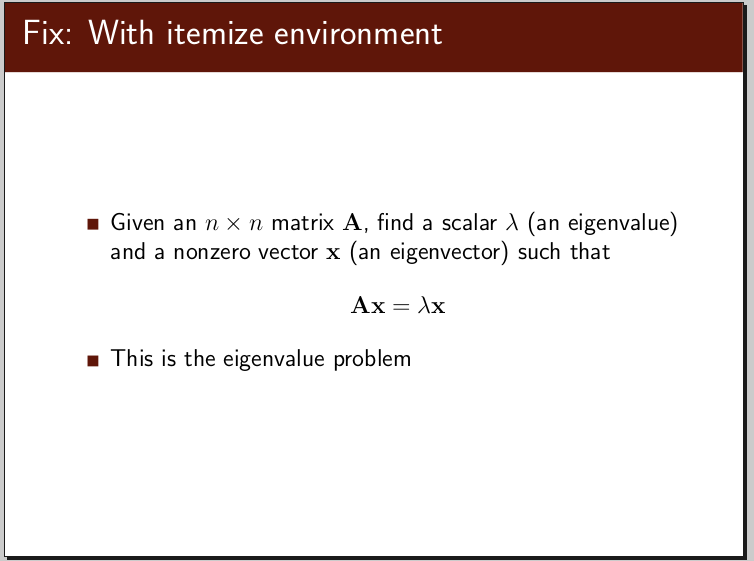
A relatively easy fix is to insert a blank line between the equation and the next item.

The code used to generate the three cases is below.

In general, it works quite well as this minimal example shows:

Here the pause command was used between the equation and the line "This is the eigenvalue problem".
No problem, right (no pun intended)!
Using an itemize environment can cause some funny extra-space to be inserted between an equation and the next line:

Notice the extra space between the equation and the next item.
A relatively easy fix is to insert a blank line between the equation and the next item.
The code used to generate the three cases is below.


